Purchase
Go to the Home Page
- Open the app or website.
- On the Home Page, you will see:
- Featured or trending products
- Product categories (e.g., Tech, Gadgets, Accessories)
- Search bar to find any product quickly

- Use the search bar to find what you want.
- Tap or click on a product to view its details.
View Product Details
When you open a product page, you will see:
- Product images and videos
- Name, price, and availability
- Description details
- Ratings and customer reviews

Review Your Cart
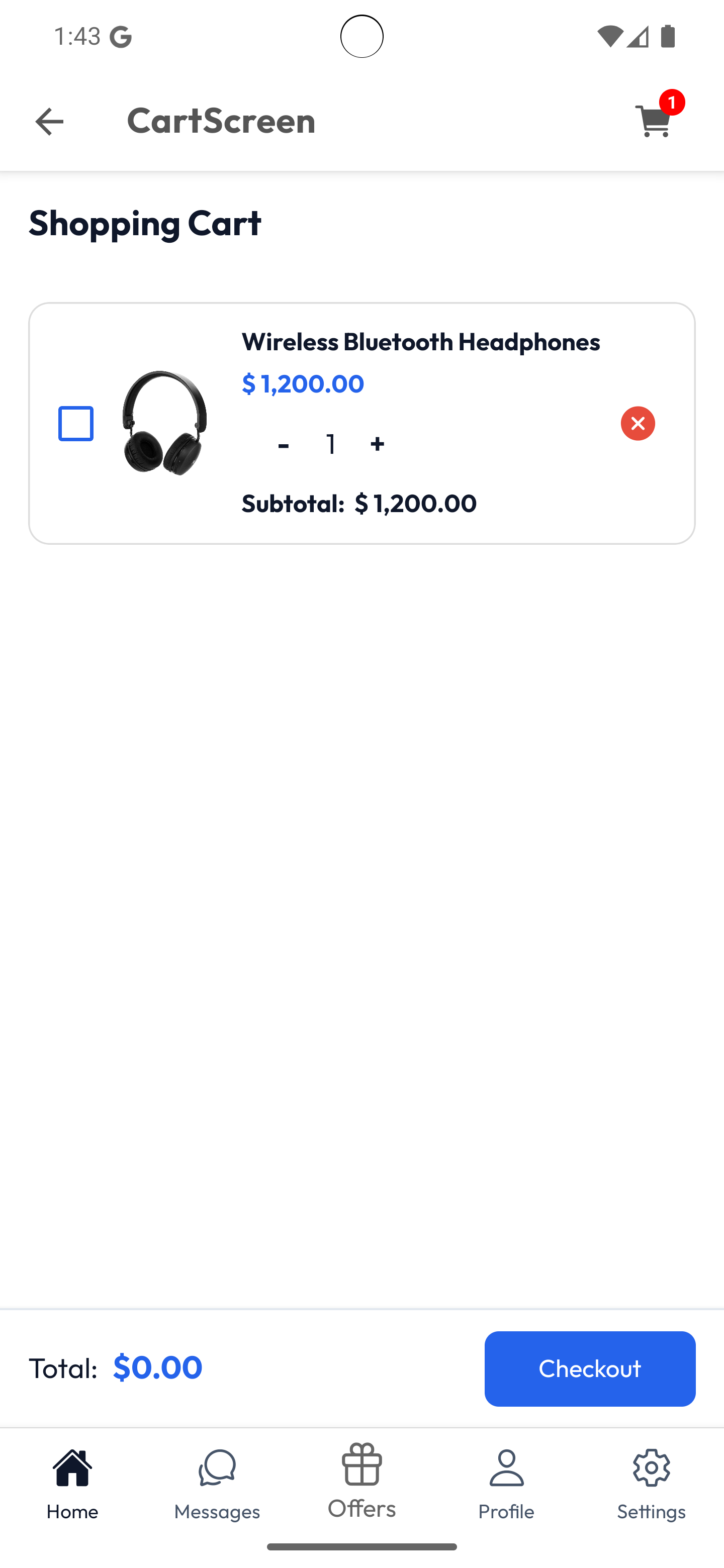
- Click the Cart icon (usually at the top).
- Review all items you added:
- Check quantities and total price
- Remove items you don’t want
Checkout
During checkout, follow these steps:
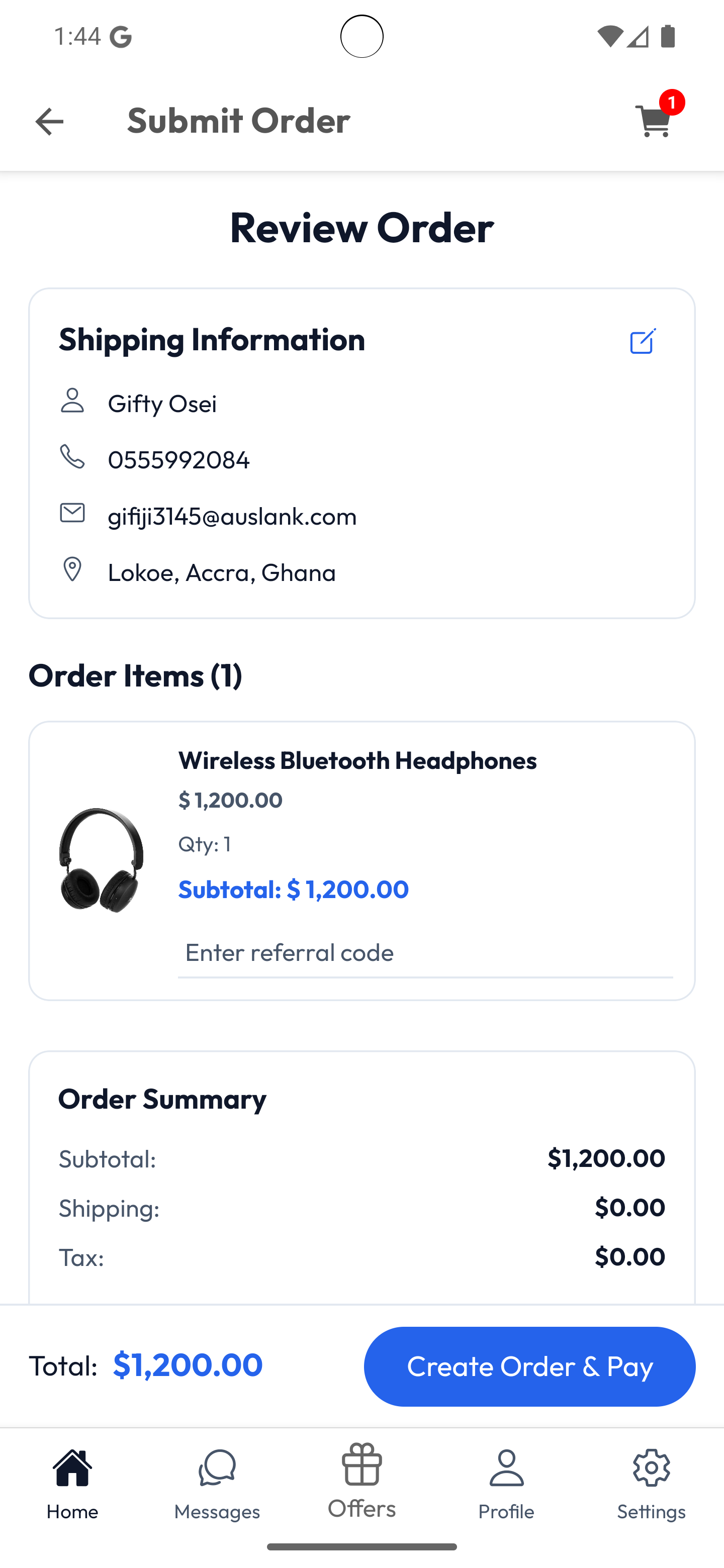
- Shipping Address – Enter or confirm your delivery location.
- Payment Method – Choose from credit card, debit card, PayPal, or other available methods.
- Order Summary – Review items, prices, and shipping fees.
- Place Order – Confirm your purchase.